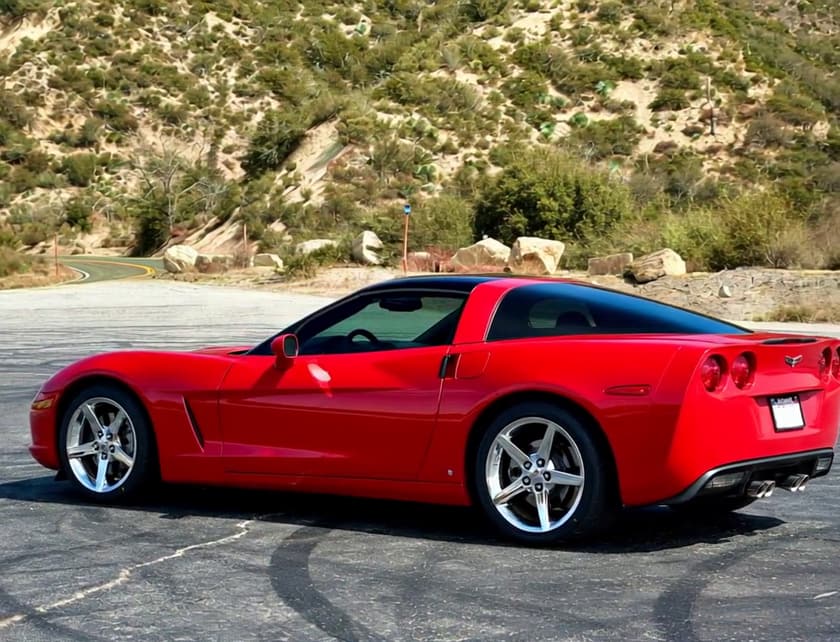
Car dealer video marketing (also called dealership video marketing or automotive video marketing) means using short video to show specific vehicles, and your dealership, to people who are shopping. It runs on the places they already look: Facebook Marketplace, Instagram, YouTube, TikTok and your own inventory pages. This guide to video marketing for car dealers covers which videos to make, where to post them, what they cost, how to tell whether they work, and the price rules that apply to video ads.
Why Video Matters for Car Listings
Here's what the research says. Google/Kantar research (2020) found that 80% of new-car buyers took an action after watching a video — searching for more information, visiting a dealer website, scheduling a test drive, or building and pricing a vehicle. Cox Automotive's consumer video research (2015) found that 65% of car shoppers consider vehicle videos an important part of their shopping process. Yet a 2026 survey of auto marketing leaders estimates that only 38% of live vehicle listings include video.
This isn't surprising when you think about how buyers shop. Car buyers do much of their research online before they set foot in a dealership. Video gives buyers what photos can't: a sense of scale, sound, and the feeling of being there. It answers the question "what is it actually like?" before the test drive.
The trust gap: Video can also build trust in a way text descriptions can't. When a buyer watches a walkaround video, they see the car as it is, so there are fewer surprises when they arrive.
For independent dealers, the implications are significant. You're already competing against franchise dealers with larger advertising budgets, bigger lots, and established brand recognition. Video is one area where a 45-car independent lot can put out content that stands next to a much bigger dealer's, because a clear, honest walkaround doesn't need a big budget. For the research in more detail, see why car listings need video.
The 5 Types of Dealer Video Worth Making
Not all dealer video is equal. Some formats are meant to sell a specific car. Others build long-term brand trust. Here's how to think about the different types and when to prioritize each.
1Vehicle Listing Walkarounds
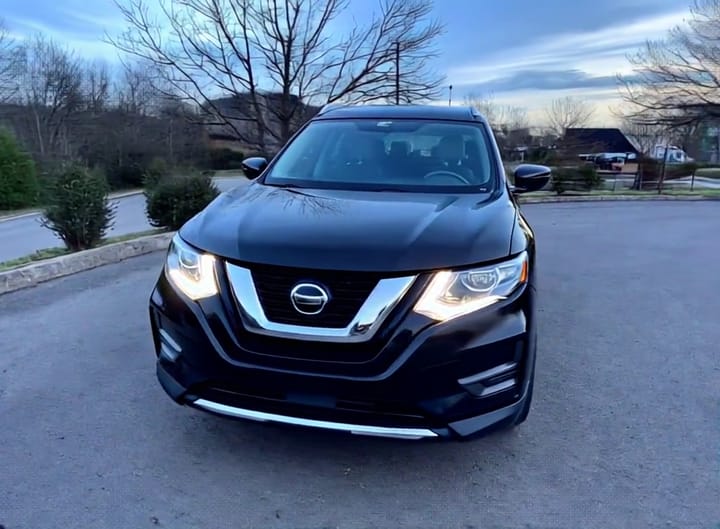
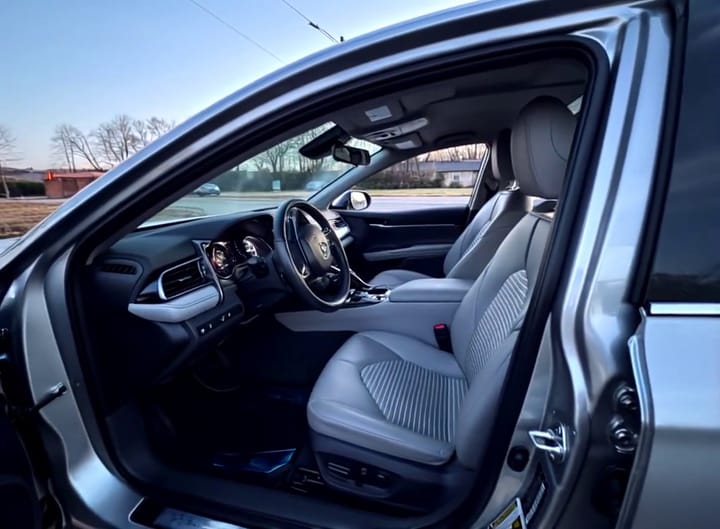
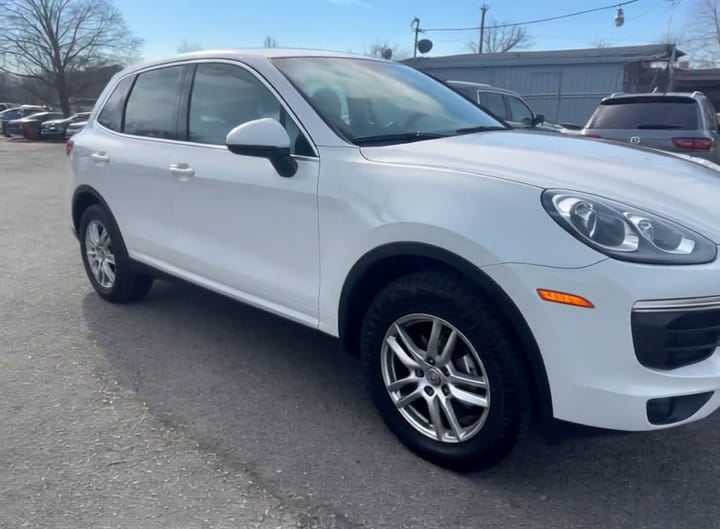
This is the format we'd start with. A listing walkaround is a short video (30–60 seconds works well) for each vehicle on your lot — exterior walk, interior highlights, key specs, and a call to action. These videos live on your listings and get shared across Facebook Marketplace, Instagram, and your website.
The key to a good walkaround isn't production quality — it's information density. Buyers want to know: how does it look in real life, are there any visible issues, and what makes this particular car worth contacting you about? Answer those three questions and you've covered what most buyers want to know.
2Dealership Culture and "Meet the Team" Videos
People buy from people they trust. A short video introducing your team, showing your lot, or walking through your service process helps build that trust before a buyer ever walks in. These videos can be posted to Facebook and Instagram, or run as paid ads targeted at people in your metro area.
3Customer Testimonial Videos
A 60-second clip of a happy customer talking about their experience can carry more weight than an ad you write yourself. The friction here is getting customers to agree to be filmed — but a simple ask at pickup ("Would you be willing to say a few words on camera?") is the easiest way to get one if the buying experience was positive.
4Educational and How-To Content
"What to look for when buying a used car." "How to trade in your vehicle and get a fair price." "The difference between CPO and as-is." These videos position you as a trusted advisor rather than just a vendor — which helps in a category where trust matters. This content suits YouTube and TikTok, where people go looking for advice.
5Live Inventory Walkthroughs
A weekly or bi-weekly live stream walking through new arrivals on your lot is a low-effort format. Go live on Facebook, walk through 3–5 new vehicles, and take questions in real time. It requires no editing.
What to Shoot on a Phone, and What to Leave to a Crew or AI
You don't need the same effort for every video. A useful rule: film the things that need you in them, and automate the ones that follow the same pattern every time.
| Video type | Is a phone enough? | When to use a crew or AI |
|---|---|---|
| Listing walkaround | Yes, if you hold steady and shoot in daylight | AI video from photos when you can't walk every car; a crew only for hero units |
| "Just in" arrival clip | Yes, keep it short | Not worth a crew |
| Customer testimonial | Yes, in a quiet spot | Not worth a crew |
| Meet the team or lot tour | Yes, to start | A videographer, once, for a brand film you'll reuse |
| Educational how-to | Yes, talking to the camera | Not needed |
| Live inventory walkthrough | Yes, it's live | Not needed |
Shooting a good phone walkaround
Most weak dealer videos fail on the basics, not the equipment. A short checklist:
- Decide where it will post before you film. Reels, TikTok and Shorts are vertical; YouTube and your website suit horizontal.
- Use daylight and a clean car. Avoid harsh midday glare on the paint, and clear clutter from the dash and seats.
- Walk slowly and hold the phone with both hands. Steady footage looks more professional than any filter.
- Cover the same sequence every time: front three-quarter, each side, wheels and tires, rear, dash and odometer, seats, cargo area.
- Show the flaws. A scratch you show builds more trust than one the buyer finds on the lot.
- Finish with the next step: a message, a call or a visit.
If the video says a price, read the price and disclosure rules below first.
If you are making the video from photos
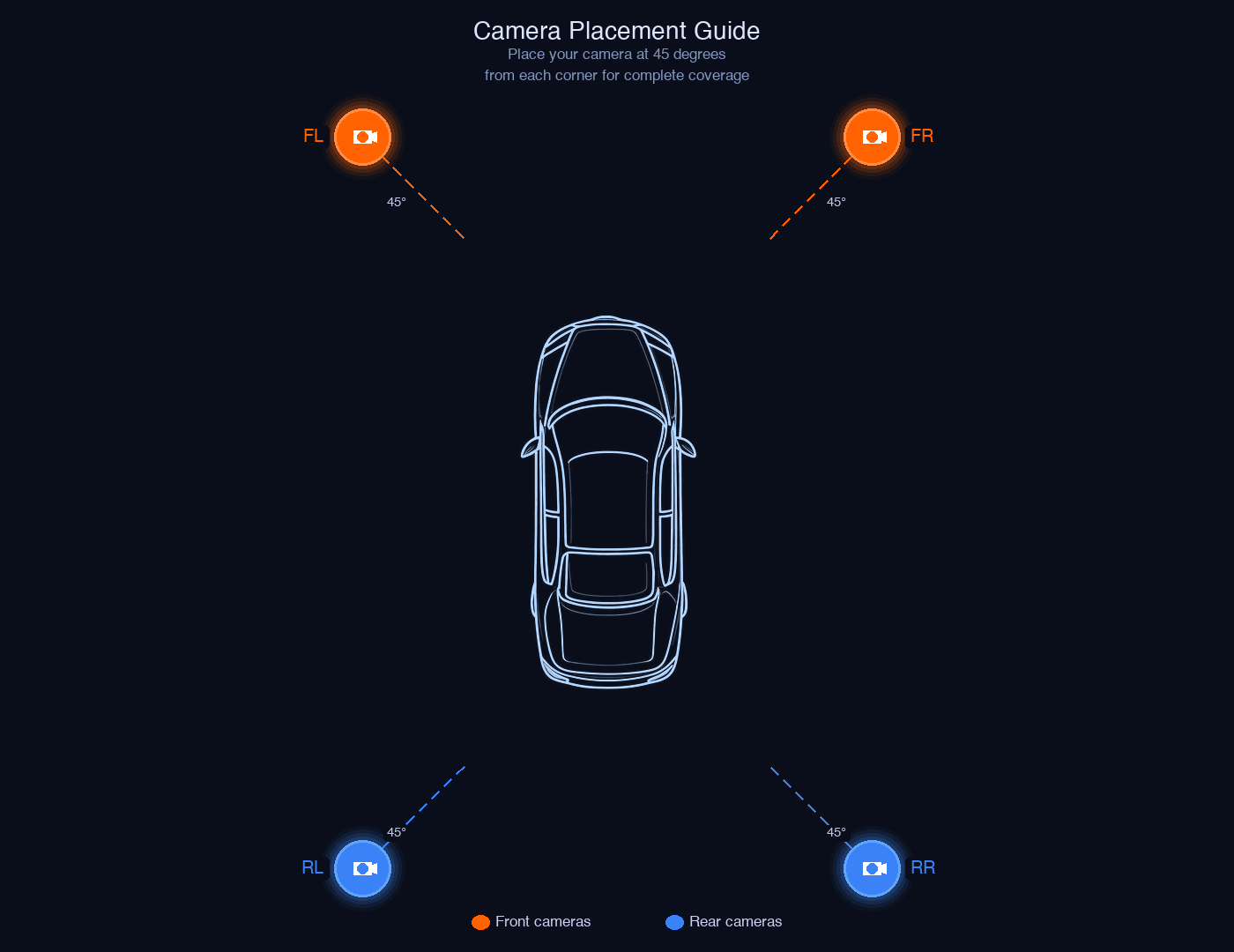
An AI video tool builds the video from your photos, so the photos do the work. The corner angles that make a good walkaround also make good source photos: shoot all four corners at about 45° with the whole vehicle in frame, then the interior.
Platform Strategy: Where to Post Dealer Videos
Producing the video is only half the job. Distribution determines whether your content reaches buyers or gets ignored. Here's how to think about each platform.
Facebook Marketplace
Start with: A listing walkaround on every vehicle
Where many used-car listings already live
Instagram Reels
Start with: A 30–60 second walkaround with a hook
Reaches nearby people who aren't searching yet
YouTube
Start with: Consistent walkarounds with searchable titles
People search for specific vehicles, and videos keep being found
TikTok
Start with: "Just landed" and behind-the-scenes clips
Shows videos to people who don't follow you
Your website
Start with: The listing video on each inventory page
Answers questions before a shopper submits a lead form
Pick two and do them well
Facebook Marketplace plus one other platform. Do those two well for 90 days before you expand.
Facebook Marketplace
For most independent dealers, Facebook Marketplace is where used car listings already live, so it's the first place to put your videos. Post your listing walkaround video directly in the listing and also share it to your dealership's Facebook page.
Instagram Reels
Short-form video on Instagram can reach people who aren't actively searching but may be in the market. A 30–60 second walkaround with a hook ("Just in: clean-title 2021 Tacoma, 38k miles, watch the full tour") can reach people in your area who don't follow you yet. Use local hashtags and location tags to help local viewers find it.
YouTube
YouTube is also a search engine. People search for specific vehicles ("2019 Honda Pilot EX-L review", "used Tacoma walkaround") before buying. If you post consistent walkaround videos, your inventory starts appearing in those searches. Videos can keep getting found long after you post them.
TikTok
TikTok shows videos to people who don't follow you, so a new account can get views before it has an audience. The format rewards authenticity over polish. Behind-the-scenes clips, "this just landed on the lot" videos, and "watch me detail this car" content fit it well, and the audience skews younger.
Your Dealership Website
Embedding listing videos directly on your inventory pages lets shoppers watch without leaving the page and gives them one more way to get their questions answered before they submit a lead form.
Start with two platforms: It's tempting to be everywhere at once, and the result is often inconsistent, low-quality content everywhere. Pick Facebook Marketplace and one other platform (Instagram or YouTube). Do those well for 90 days before expanding. Our social media video guide for independent dealers covers a posting rhythm.
What Dealership Video Production Costs (and Your Options)
Video marketing feels expensive and time-consuming. Here's how the economics look for an independent dealer.
A professional videographer charges per shoot, and rates vary by market. Covering 20 cars a month at even a few hundred dollars each adds up to thousands of dollars before distribution. Some independent dealers can't justify that spend, which is why they skip video.
The alternative — getting a salesperson to shoot shaky iPhone walkarounds — produces content that is uneven in quality. Unstable footage, poor audio, and a salesperson who isn't comfortable on camera can make a lot look less professional than it is.
The math changes completely with AI-assisted video production. When you can produce a finished listing video for about $6, the question gets simpler. We don't have a study that measures how much faster a video listing sells, so judge it on your own lot: add video to a few cars, compare them with similar cars, and see whether it's worth the cost.
Four ways dealers get listing videos made
Salesperson with a phone
What you pay: Staff time, no cash cost
Watch for: Uneven quality, and it stops when the lot gets busy
Local videographer, per shoot
What you pay: Per-shoot rates that vary by market; get quotes
Watch for: Scheduling and editing time, and the cost grows with every car
Dealer video vendor or agency
What you pay: Usually priced by volume or by custom quote; ask for it in writing
Watch for: Contract terms and minimums vary; ask who owns the files
AI video from your photos (for example MotorCast AI)
What you pay: $5.99 per video on the Single plan; plans are on the pricing page
Watch for: It animates your photos; it isn't footage of the car in person
Questions to ask before you sign with a video vendor
- Is the price per car, per month or per rooftop, and what's the minimum?
- Who owns the finished files, and can you post them anywhere?
- How long does it take from photos or footage to a finished video?
- How many revisions are included, and who checks the price and details shown on screen?
- Can you cancel, and what happens to your videos if you do?
Why Traditional Video Production Doesn't Scale
The dirty secret of dealer video marketing is that producing good video consistently is genuinely hard. A franchise dealer with a dedicated marketing coordinator can maintain a production schedule. An independent dealer trying to run operations, manage inventory, and handle customer relationships simply can't add "produce 20 professional videos per month" to their to-do list.
The bottlenecks are real: scheduling a videographer, editing the footage, adding music and text overlays, writing descriptions, uploading to multiple platforms. A single listing video can take hours from shoot to post. Multiply that by your monthly volume and video marketing becomes a part-time job.
This is why many independent dealers who try video marketing struggle to keep it up. The problem isn't the idea. The problem is the production pipeline.
How AI Changed Car Dealer Video Production
The last 18 months have produced a step change in what's possible for small dealers. AI tools can now handle the parts of video production that were previously the bottleneck: scriptwriting, voiceover, and video clip generation from still photos.
The workflow that used to take hours now looks like this: enter the VIN (vehicle specs auto-fill from the NHTSA database), upload your photos, click generate. In a few minutes, you have a finished MP4 with AI-written narration voiced by a realistic AI voice, with your photos animated into cinematic clips.
The result isn't a replacement for a professional production crew — it's a different category entirely. It's repeatable, consistent, fast, and cheap enough to justify producing a video for every single vehicle on your lot, including lower-margin units that would never justify a videographer's fee.
What the AI process looks like
Here is the process in the MotorCast AI car listing video maker:
Enter the VIN
Year, make, model and specs fill in from the NHTSA database. You can also try the free VIN decoder.
Add your photos
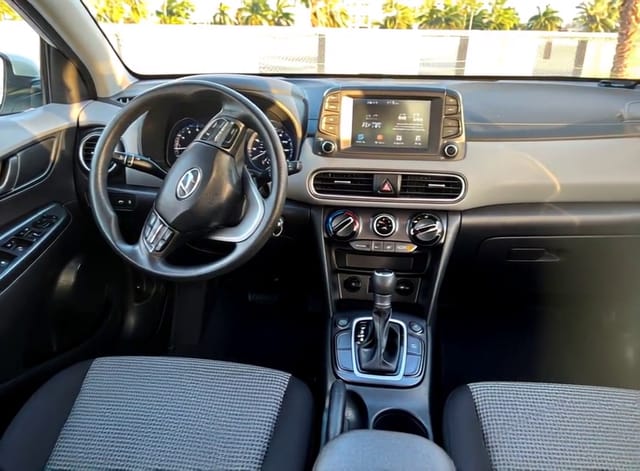
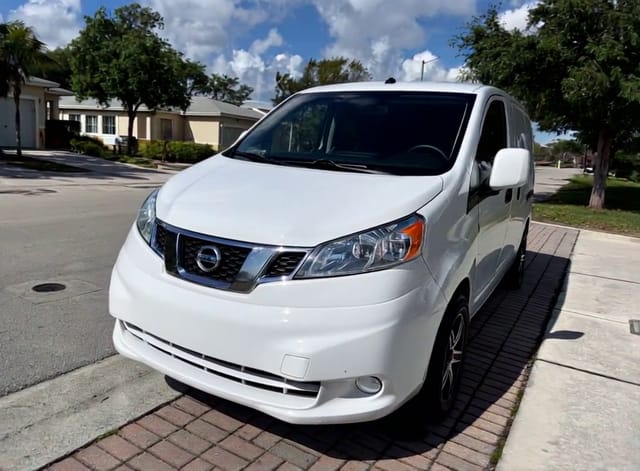
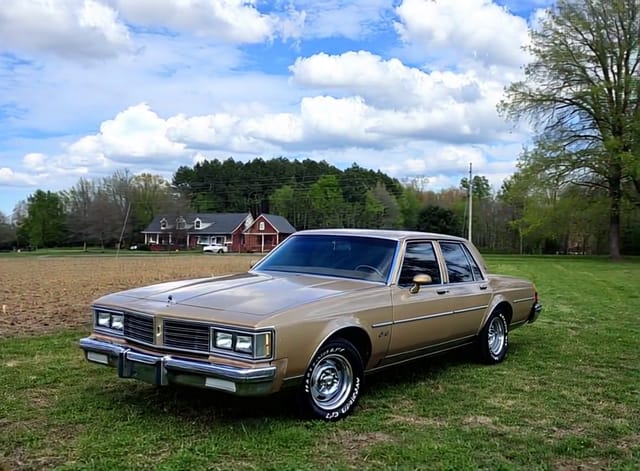
Real photos of the car you're selling.
Generate
The tool writes a script, voices it, and animates your photos into clips with music.
Review, then post
Watch the whole video against the real car before it goes live.
What AI listing video can't do
An AI listing video animates your photos. It isn't footage of the car in person, and it can't show how a door feels or how the engine sounds at idle. It can also add motion or small details that aren't in your photos. Compare the finished video with the real car, and regenerate or skip anything that looks better than the car does. For a high-value unit, or a car with a story to tell, a human walkaround is still worth filming.
Generate your first AI listing video in a few minutes
No subscription required. Start with a single listing for $5.99 to see the full pipeline before committing to a plan.
Start with a single listing →Getting Started: Your Video Marketing Action Plan
Here's a practical 30-day action plan for a dealer starting from zero:
Week 1: Set up your foundation. Create or optimize your Facebook Business Page and connect it to Facebook Marketplace. Set up a YouTube channel for your dealership. If you don't have an Instagram business account, create one. This takes about 2 hours and only needs to be done once.
Week 2: Produce your first batch of listing videos. Start with your 5 best vehicles — the ones you most want to move. Generate AI walkaround videos for each, post them to Facebook Marketplace, and share to your Facebook page. Note which vehicles get more messages than usual. Before you post, check each video against the FTC's price rules for listing videos.
Week 3: Build the habit. Make video part of your intake process. When a vehicle arrives on your lot, photos and a video get produced before it hits your listings. This is the step dealers most often skip, and it's what makes video a habit instead of a one-off.
Week 4: Measure and expand. Look at your Facebook Marketplace insights. Which vehicles got more views? Which messages converted to visits? Use that data to refine your approach — thumbnails, descriptions, which specs to highlight. Then add a second platform (Instagram Reels or YouTube) using the same videos. The next section shows how to set up a fair comparison.
How to Tell Whether Dealer Video Is Working
No independent study measures how much faster video listings sell, so the only evidence that matters is your own lot. A simple test is enough.
A fair test in four steps
- Pick similar cars. Choose cars in the same price band, age and segment, so you're not comparing a pickup with a convertible.
- Put video on some, not all. Give half of them a video and leave half as they are, for a few weeks.
- Log every car by stock number. Date listed, date the video went live, platform, messages and calls, appointments, price changes, and the date it sold.
- Compare, then decide. If the cars with video get more messages or sell sooner, add video to more cars. If nothing moves, change the video or the platform before you give up on it.
Be careful with small numbers: one fast sale or one slow car proves nothing, and a price cut during the test muddies the result.
The numbers worth watching
| Number | Where to find it | What it tells you |
|---|---|---|
| Views or plays | Facebook, Instagram and YouTube insights | Whether people are seeing the video |
| Average watch time | YouTube Studio, Instagram insights | Whether the first seconds hold attention |
| Messages and calls per vehicle | Marketplace inbox, phone log, CRM | Whether viewers turn into contacts |
| Appointments set | CRM or your sales log | Whether those contacts are serious |
| Days to sale, with video vs. without | Your DMS or inventory sheet | The result you actually care about; it takes the longest to show |
Price and Disclosure Rules for Dealer Video
A listing video is an advertisement. In 2026 the FTC sent warning letters to 97 auto dealership groups (March) and published price-transparency FAQs (September). The FAQs say they cover every format a buyer might see, including websites and social media. They don't mention video specifically, so treat a video like any other ad. Four points matter most for listing videos:
- If the video shows or says a price, it should be the actual price. That is the amount a buyer pays, leaving out only government-required charges such as taxes. Dealer fees go in (FTC FAQ 2 and 6).
- Don't build a price on a deal only some buyers get. No headline number that depends on a rebate or discount not every buyer can use (FAQ 9).
- Show the car you're selling. For used cars, the FAQs say buyers can reasonably expect a photo to show the exact vehicle. Applying that to video footage is our reading (FAQ 11).
- Take it down when the car sells. Ads for cars that are in transit or offsite should say so, and advertising a car that is no longer available, just to draw buyers in, is deceptive (FAQ 10).
Before you post: watch the whole AI-generated clip and compare it with the car on your lot. That one is our suggestion, not FTC text. Our full pre-posting checklist for listing videos has eight checks and links to the FTC's own documents. This is a plain-language summary of public documents, not legal advice; check with your attorney or compliance advisor.
Frequently Asked Questions
What is car dealer video marketing?
How much does dealership video production cost?
What videos should a car dealer make first?
How long should a dealership listing video be?
Where should car dealers post their videos?
Do I need to hire a videographer?
How do I know if video is working?
Do the FTC price rules apply to video ads?
Can AI make car listing videos?
The Bottom Line
Video is quickly becoming a baseline expectation on used-car listings. Shoppers already use it while they research, and most listings still don't have one, which leaves room for a dealer who adds it. Make it easy for buyers to see the car for themselves before they ever set foot on the lot.
The good news is that the production barrier — the thing that made video marketing impractical for most independent dealers — is much lower than it used to be. The remaining question is whether it's worth trying on your own lot, and one video is a cheap way to find out.
Your first listing video is $5.99.
No subscription required. Add the VIN and your photos, and see the whole process on one car before you decide anything else.