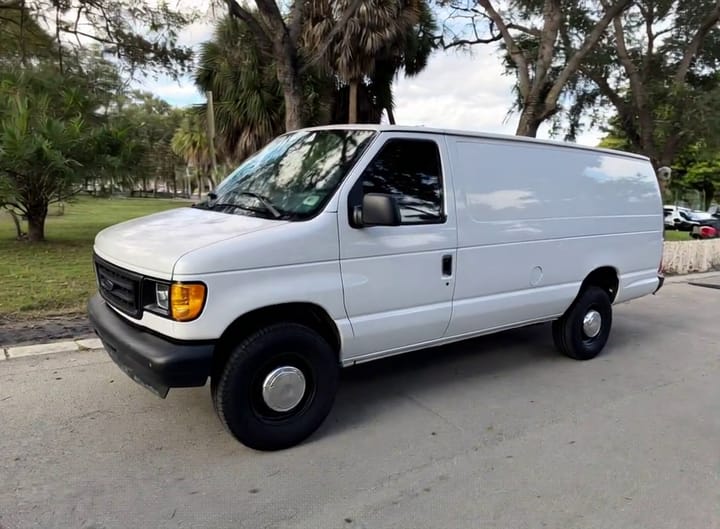
Adding video to your car listings is a significant upgrade over photos alone. But there's a gap between a listing video that helps buyers and one that gets scrolled past. Here's what we'd get right.
This is practical guidance, not measured data — what we think good car listing videos have in common.
1. The Right Length: 30–60 Seconds
This is the most common mistake dealers make when they start producing listing videos: making them too long. A five-minute walkaround might feel thorough, but it's likely to lose viewers on social platforms.
Social feeds — Instagram, Facebook, TikTok — are designed for short-form content. Platforms generally favor videos that people watch to the end, and a short video is easier to finish than a long one.
The 30–60 second window: This is long enough to cover the key selling points of any vehicle and short enough to hold attention on a social feed. For a listing embedded on your website, you can go slightly longer — up to 90 seconds — but never more than that for a general-purpose listing video.
The goal is to surface the three to five things a buyer needs to know to decide whether to contact you — not to replace the test drive. A buyer who watches your video and wants to know more is exactly where you want them.
2. Cover the Right Shots
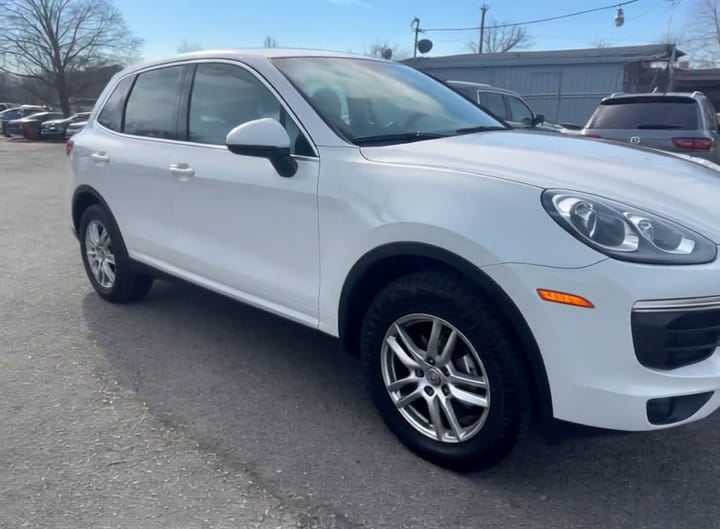
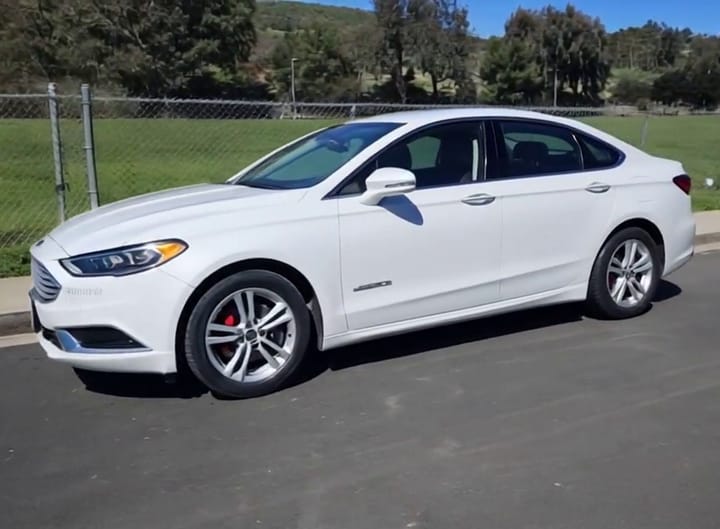
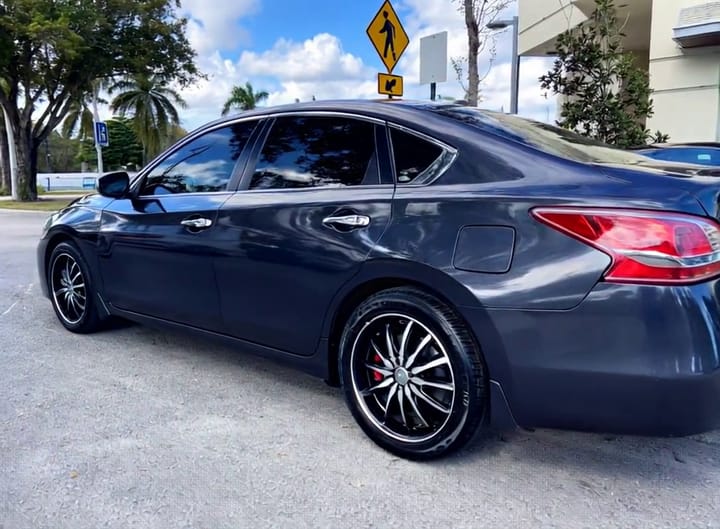
A great listing video doesn't need a drone shot or a professional lighting rig. It needs to answer the visual questions a buyer has before they'll commit to an inquiry. Those questions are almost always the same:
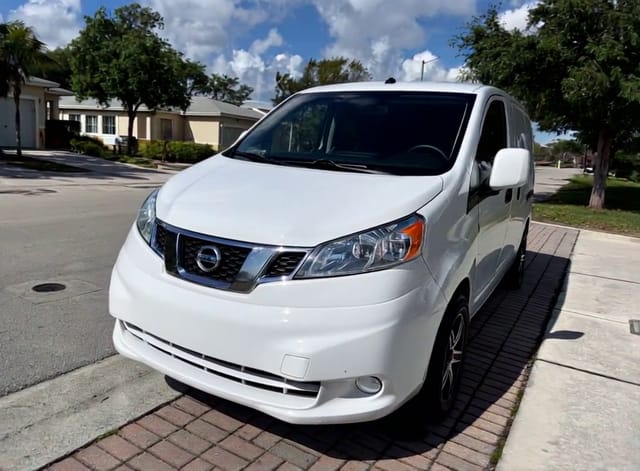
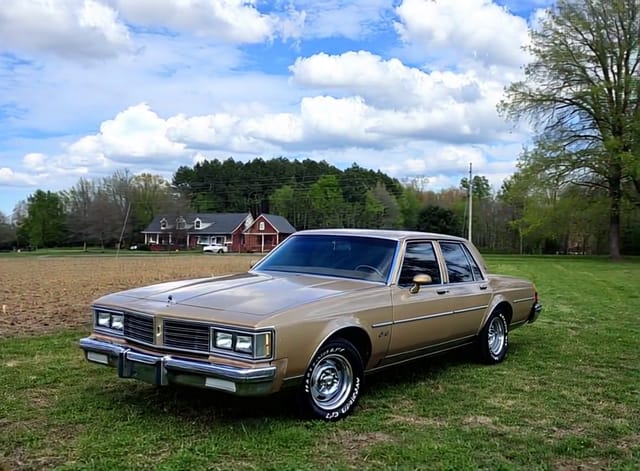
- Exterior condition — front, rear, both sides, and at least one three-quarter angle. Buyers want to see the full shape of the car and check for obvious damage or wear.
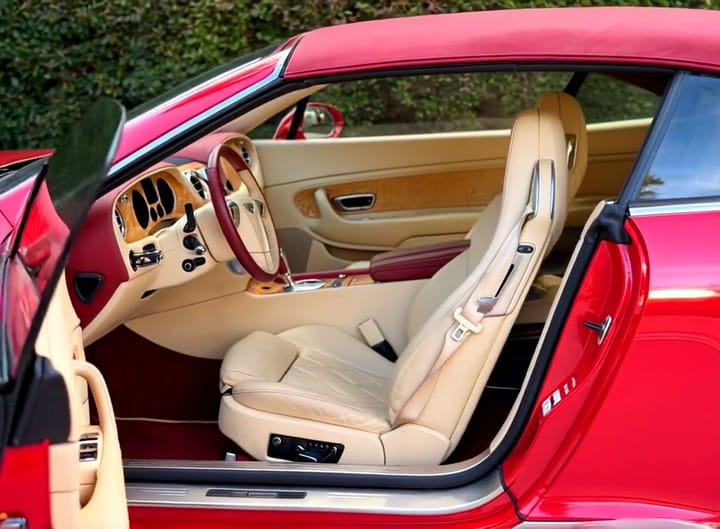
- Interior condition — front seats, rear seats, dashboard, and headliner. Worn interiors kill deals that great exteriors had already started.
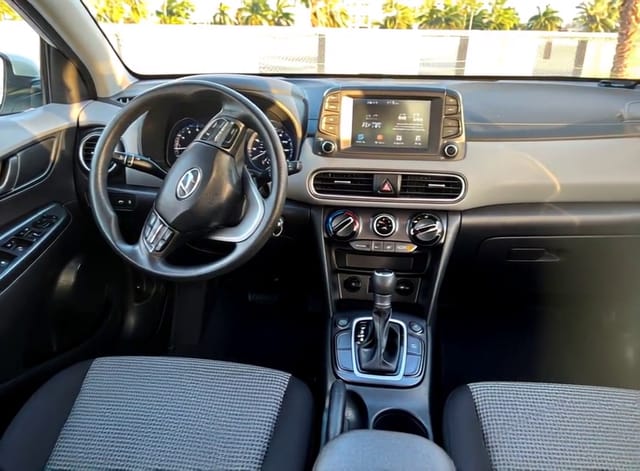
- Dashboard and instrument cluster — a clean, functional dashboard signals a well-maintained vehicle. It's also where mileage and warning lights are visible.
- Notable features — sunroof, upgraded wheels, aftermarket sound system, tow package. Whatever makes this specific vehicle worth the price, show it.
- Under the hood — optional, but builds confidence on older vehicles or anything with recent mechanical work worth mentioning.
You don't need to capture every angle — you need to capture the angles that remove doubt. A buyer who finishes watching your video with zero unanswered visual questions is more likely to reach out.
3. Add Narration
We think a narrated listing video is more useful than a silent one, because of what narration does for a viewer.
Visuals show the car. Narration directs attention to what matters: "Notice the original paint with no repaint history," "this is the top trim with the sport package," "clean title, four new tires in March." These are the details buyers look for, and a silent video can't say them.
Narration can also help keep viewers watching. A confident voiceover gives the video forward momentum, while a silent video depends entirely on the visuals to hold interest.
If you're using AI-generated voiceover, modern AI voices are good enough for listing videos. The key is a script that leads with the vehicle's most compelling attributes and closes with a clear next step.
4. Lead with the Best Features
Viewers often decide quickly whether a video is worth watching, so the first few seconds matter.
Don't open with a static shot of the front bumper. Open with the vehicle's most compelling angle — often the three-quarter front or a dramatic wide shot — while the narration immediately leads with the strongest selling point. "Low mileage, one owner, accident-free history" in the first five seconds usually works better than building up to it.
Think of the video structure like a news headline: the most important information comes first. Details can follow, but the hook needs to land early or you may lose the viewer.
5. Close with a Clear Call to Action
Every listing video should end with a specific instruction about what to do next. Buyers who reach the end of a video are interested, and they need a nudge.
"Call or text [phone number] to schedule a test drive" usually works better than ending the video with the vehicle still rolling in silence. On social platforms where you can't embed clickable text in the video itself, the voiceover CTA is the only instruction the viewer gets before they leave the frame.
Keep it simple. One action, clearly stated, at the end of every video.
- 30–60 seconds total length
- Exterior covered from at least 3 angles
- Interior, dashboard, and rear seats shown
- Notable features highlighted on camera
- Voiceover narration throughout
- Strongest selling points in the first 5 seconds
- Clear call to action at the end
- Clean, consistent background (avoid cluttered lots where possible)
One More Thing: Consistency Beats Perfection
The best listing video you'll ever make is the one you actually produce for every car on your lot. A consistently decent video on every vehicle is more useful than one polished production on a single car and nothing else.
The dealers who do well on social usually aren't the ones with the most cinematic content — they're the ones who show up every week with fresh inventory content. Build a workflow that makes it easy to produce a good video for every vehicle in under ten minutes, and you're more likely to keep it up than with a sporadic, high-effort approach.
Build a listing video in a few minutes
Upload your photos, enter the vehicle details, and MotorCast AI handles the video, script, and voiceover. From $5.99.
Try it on your next listing →Your first listing video is $5.99.
No subscription required. Add the VIN and your photos, and see the whole process on one car before you decide anything else.